
How to use Higgsfield Genjutsu to recast a video
Higgsfield Genjutsu remakes a video with your own pictures. Which of its two modes to pick, how to set up a clip from the Motion Library, why you should rewrite the prompt Recreate loads, and what a clip costs on each Higgsfield plan, with a calculator.
 HanaHow6 minute read
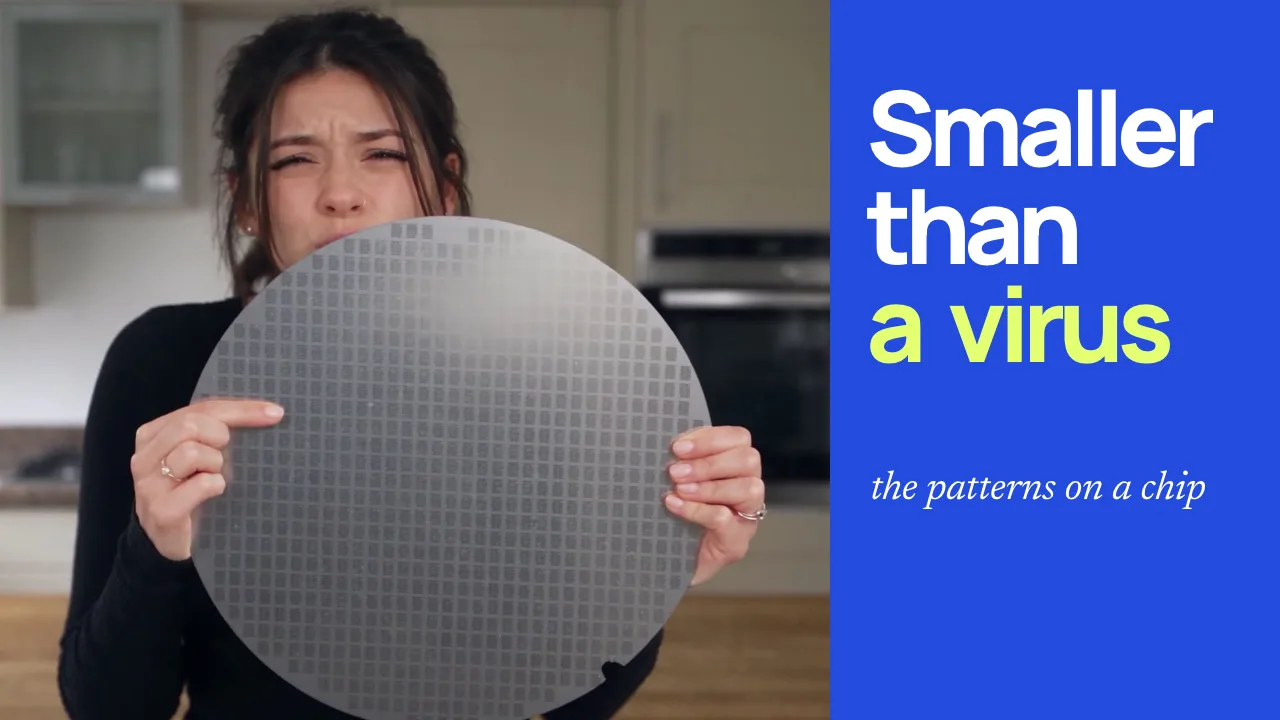
Genjutsu is Higgsfield’s video-to-video tool. You give it a video and some pictures, and it remakes the video with what’s in your pictures. Higgsfield announced it on its blog on 31 August 2026. We made five clips with it on 2 October 2026: Hana as a giant towering over New York traffic, in a temple crowd, in a mirror selfie, in a nightclub and at a car window.
Ad: the Higgsfield link in the steps below is our affiliate link. If you subscribe to Higgsfield through it, we earn a commission.
Which mode, and what it costs
Pick what you want to change, the length of your video, the quality and your plan. The calculator gives the mode to use, the credits a clip costs, and what that comes to on your plan.
- Credits for this clip
- 70 credits
- A 10-second clip at 720p, 7 credits a second.
- Roughly in dollars
- About $2.74
- Plus billed annually: $47 a month for 1,200 credits, before VAT.
- Clips like this a month
- 17
- Each uses 70 of the plan’s 1,200 credits a month, about 6%.
- Genjutsu video a month
- 171 seconds
- 1,200 credits at 7 a second, 2 minutes 51 seconds, if you spend them on nothing else.
- Pick this mode
- Motion transfer
- Keeps the movement, camera and timing, and rebuilds the rest from your pictures.
Rates are Higgsfield’s own cost table on 2 October 2026: 3 credits a second at 480p, 7 at 720p and 11 at 1080p, the same in both modes, with 1080p shown as a discount from 16. Every one of our runs was billed on the reference video’s length rounded to the nearest second. Plans are Higgsfield’s pricing page on 2 October 2026, in US dollars before VAT and local taxes. Plus and Ultra also list 3 free Genjutsu generations at 720p, which aren’t counted here. Genjutsu shows a run’s cost before you generate, so check it there: prices and discounts can change.
The two modes
Motion transfer keeps the movement and rebuilds everything else. Higgsfield’s FAQ says it “keeps the motion, camera and timing while rebuilding the scene from your references”. Four of our five clips used it: the giant, the temple, the mirror and the nightclub.
Objects swap changes what you name and leaves the rest of the shot alone. In Higgsfield’s words it “changes a selected character, outfit, product, location or object while preserving the rest of the original shot”. We used it on the car-window clip: the yellow tub became a laptop and the woman became Hana in a black blazer, and the smash and the grab stayed as they were.
Higgsfield added Restyle on 30 September 2026. It works inside Motion transfer and redraws the whole video in an animation style. We haven’t tried it.
How to make a Genjutsu video
- In Higgsfield, open Video, then Genjutsu.
- Pick Motion transfer or Objects swap at the top of the form.
- Open the Motion Library, find a clip you like and press Recreate. It loads the clip’s video, its creator’s pictures and their prompt into the form. You can also add your own video, between 4 and 30 seconds long.
- Delete the creator’s pictures, then add a photo of you. You can add up to 30 pictures, but one clear photo was enough for our nightclub clip.
- Read the prompt. Recreate turns it on and fills it with the creator’s, which describes the person in their clip. Rewrite it to describe you: your hair, your clothes and anything you don’t want carried over. Mention a picture by typing @ and picking it. Without Recreate, the prompt is optional and off by default.
- Pick a quality: 480p, 720p or 1080p. The form starts at 720p, but Recreate loads the quality the clip was made at, and Mirror Pose Routine came in at 1080p.
- Press Generate. The button shows the run’s cost first. A few minutes later, the result is in History.
What a run costs
Both modes cost the same: 3 credits a second at 480p, 7 credits a second at 720p and 11 at 1080p, on Higgsfield’s cost table on 2 October 2026. 1080p is shown as discounted from 16 credits a second. Our runs were each charged on the length of the video we gave it, rounded to the nearest second, so a 10-second clip at 720p is 70 credits.
Credits come with a plan. On Higgsfield’s pricing page on 2 October 2026, in US dollars before VAT:
| Plan | Credits a month | Price a month | Genjutsu video a month at 720p |
|---|---|---|---|
| Starter | 270 | $19 | 38 seconds |
| Plus | 1,200 | $59, or $47 billed annually | 171 seconds |
| Ultra at 3,000 credits | 3,000 | $129, or $99 billed annually | 428 seconds |
On Plus billed annually, the 10-second clip comes to about $2.74. Plus’s 1,200 credits buy 400 seconds of Genjutsu video at 480p, 171 at 720p or 109 at 1080p, if you spend them on nothing else. Plus and Ultra also list 3 free Genjutsu generations at 720p, and Starter lists none. Every run is charged in full, including one you throw away, so allow for more than one.
When the original person stays in the video
The temple clip went wrong for its first 16 seconds. It came from a fan edit of a music video, where a boy walks through a bowing crowd to take his place. In ours, Hana stands in the front row from the start, and a man in black does the walk that should have been hers.
We’d pressed Recreate, which brought in two pictures: a man in black and the temple. We deleted the man, kept the temple and added pictures of Hana. But the creator’s prompt pointed at the temple by its number, as the second picture, and deleting a picture renumbers the rest. After the delete, the second picture was one of Hana’s, so the prompt never pointed at the temple at all. It also still said “He wears a black Yakuza-inspired suit”, and the temple picture has a man in black front and centre.
So after you delete or add a picture, read the prompt again and check each @ mention points at the picture you mean. We kept the clip from 16 seconds, where it’s right.
The nightclub prompt
The nightclub preset’s clip is a scene from the Apple TV+ series Your Friends & Neighbors. Its creator’s prompt asks for a stocky man with a receding hairline and “a realistic cigar held naturally between his lips”. The first time, we deleted the creator’s picture, added Hana’s and didn’t read the prompt. Genjutsu took the face from the pictures and the cigar from the prompt, so Hana dances with a cigar for 28 seconds. It’s slightly disturbing.
We ran it again with the same clip and settings and a prompt that describes Hana: long dark brown hair pinned up, a fitted black ribbed long-sleeve top, a slim build, and no cigar, cigarette or smoking. It’s much less disturbing.
The mirror clip
For the mirror clip we gave Genjutsu pictures of Hana, one of them in her cream cardigan, and no prompt. With nothing to say where she was, it picked the bathroom itself. If you want a particular room, describe it in the prompt or add a picture of it.
Faces and the rules
Higgsfield’s terms say that if you upload a face, you’ve got consent from the person it belongs to (section 5.3). The pictures Recreate loads belong to whoever made the clip, which is another reason to delete them. Every picture of Hana in our clips is our own.
Higgsfield’s FAQ says what you make “is yours to publish across organic and paid channels, subject to Higgsfield’s Terms of Use”. The video you start from can still belong to someone else, so check where a Motion Library clip came from before you publish your version.
Sources
- Higgsfield: Genjutsu page and FAQ, launch post, changelog, pricing and Terms of Use, checked on 2 October 2026
- Credit rates: Higgsfield’s cost table on 2 October 2026, and the charges on our own runs
Something not quite right?
Let us know